
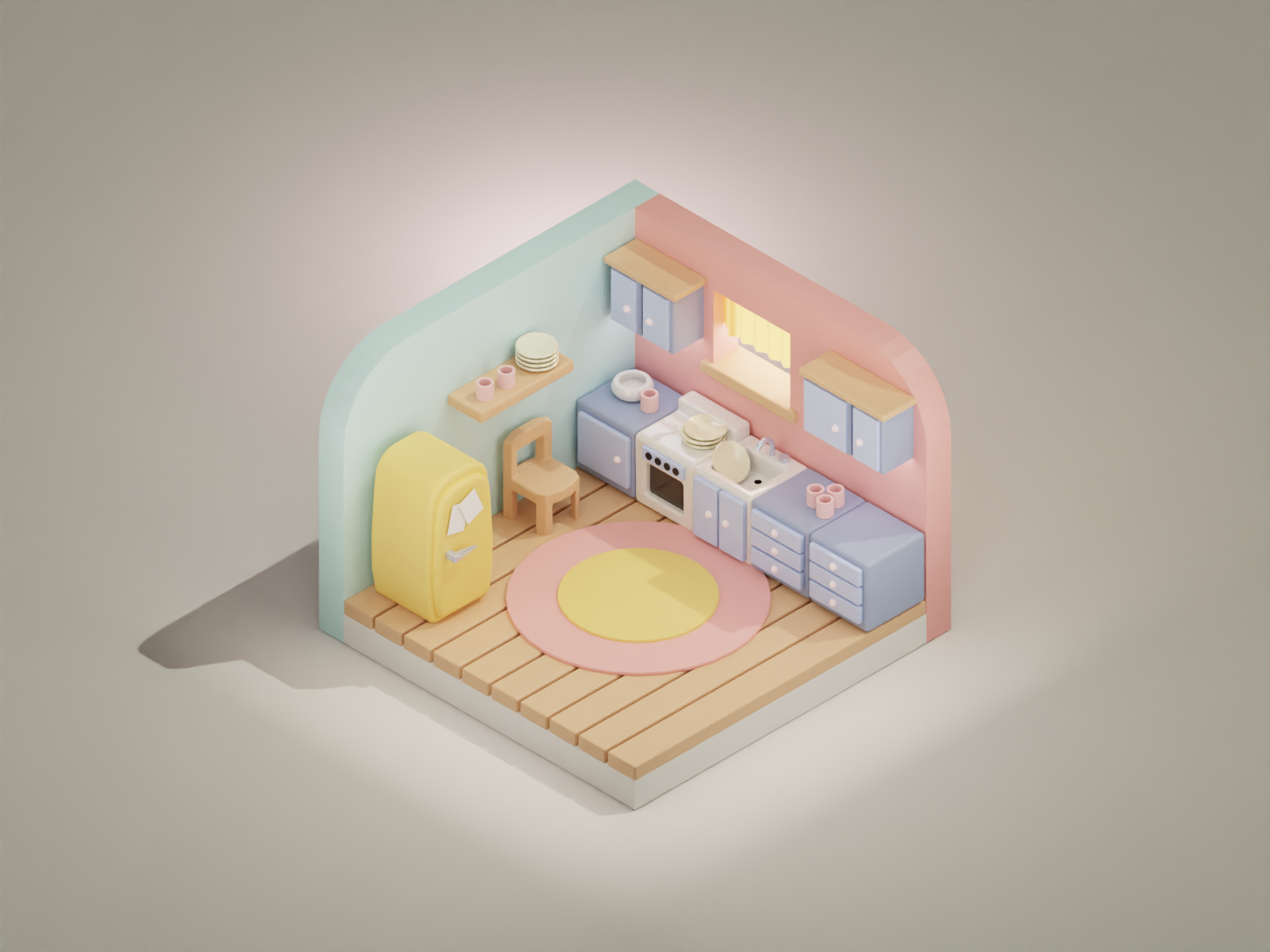
Here’s a workflow time-lapse creating this cute, stylized Kitchen. Feel free to download the original Blender file.
About This Project
This is the second installment of our cute kitchen series, featuring an upgraded design with:
- Enhanced cabinet details: More realistic handles and paneling
- Additional appliances: Microwave, dishwasher, coffee maker
- Improved lighting: Multi-light setup for better shadows and reflections
- New props: Fresh ingredients, cooking utensils, serving dishes
- Updated color scheme: Warmer tones with accent colors
What’s New in Version 2?
Compared to the first kitchen tutorial, this version includes:
| Feature | Kitchen #1 | Kitchen #2 |
|---|---|---|
| Cabinet complexity | Basic boxes | Detailed paneling |
| Appliance count | 3 | 6+ |
| Lighting setup | Single area light | Multi-light with fill |
| Prop variety | 5 items | 15+ items |
| Render quality | Standard | Enhanced shadows |
Download the Blender File
📥 Download Kitchen2.blend (12 MB)
The file includes:
- All models with proper naming conventions
- Advanced materials and lighting setup
- Camera animation keyframes
- Render settings optimized for Cycles
Modeling Tips for Kitchen Environments
Modular Design Approach
Build your kitchen from reusable modules:
Base Cabinet → Add Door → Add Handle → Duplicate & ModifyThis approach allows you to create multiple cabinet variations quickly.
Proportions Matter
Standard kitchen dimensions to keep in mind:
| Element | Standard Height | Width Range |
|---|---|---|
| Base cabinets | 36” (91 cm) | 12”-36” (30-91 cm) |
| Wall cabinets | 30”-36” (76-91 cm) | 12”-48” (30-122 cm) |
| Countertop depth | 25”-26” (63-66 cm) | Varies |
| Island height | 36”-42” (91-107 cm) | Varies |
Related Resources
- Best Blender to Unity Export Settings – Optimize your workflow
- Low-Poly Forest Environment – Similar tutorial with free blend file
- Cute Kitchen Modeling #1 – First version of this project
Enjoy creating with this free blend file! Share your own kitchen designs on social media and tag us. 🍳✨