
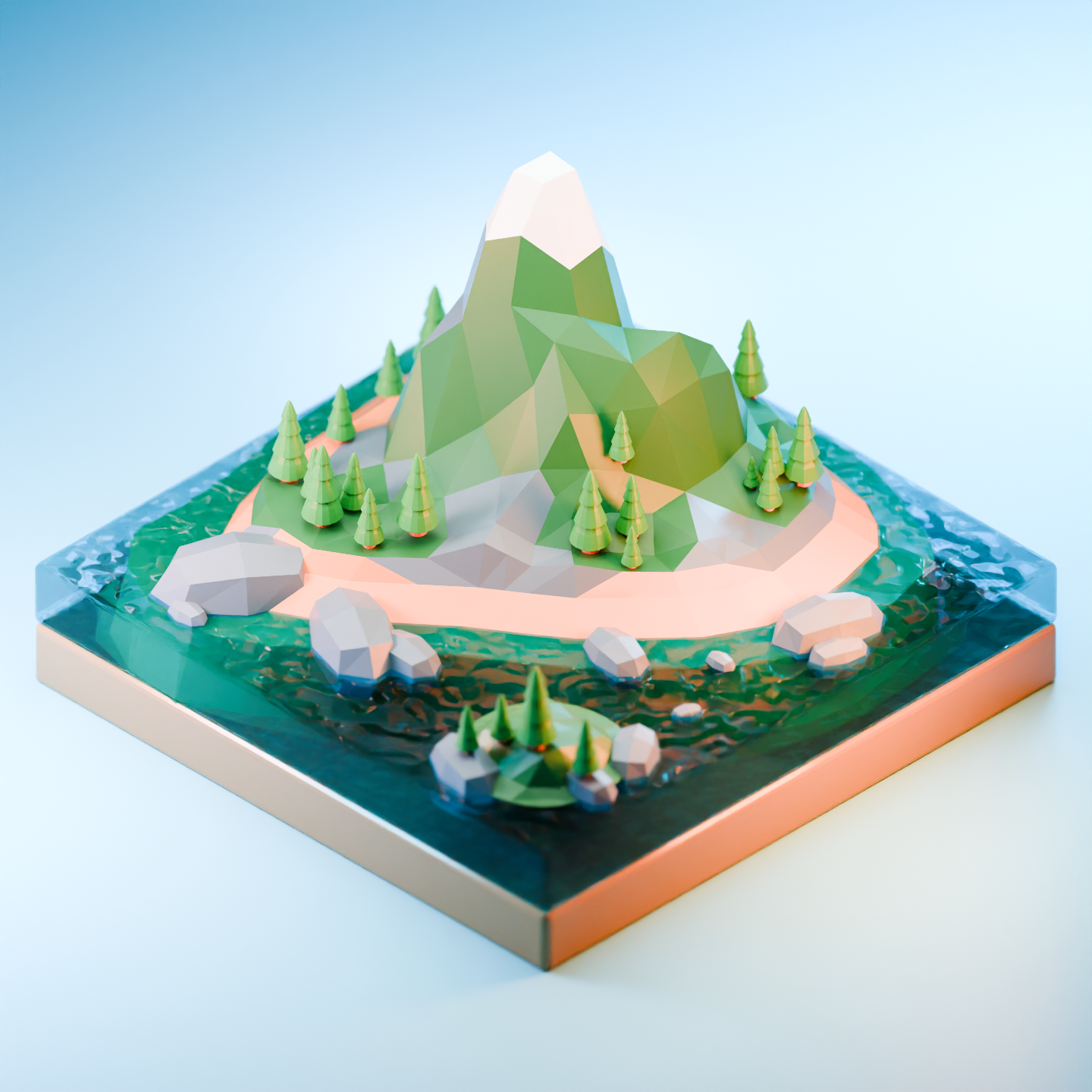
Here’s a straightforward water shader setup for Blender 4.0 using the Cycles renderer. This tutorial creates realistic-looking water with reflections, refraction, and subtle surface details—perfect for game environments, architectural visualization, or any project needing convincing water surfaces.
⚠️ Note: This shader is optimized for Cycles. Eevee support requires additional setup due to its real-time rendering limitations.
Node Setup Overview
The water shader combines several key elements:
- Base color – Deep blue with slight green tint
- Roughness – Low value for smooth, reflective surface
- Normal map – Subtle wave distortion using noise texture
- Fresnel effect – More reflective at glancing angles
- Transmission – Light passes through water (refraction)
Step-by-Step Node Setup
1. Create the Base Material
- Select your water plane or mesh
- Go to the Shader Editor
- Create a new material and set it to Principled BSDF
2. Configure Principled BSDF Settings
| Setting | Value | Purpose |
|---|---|---|
| Base Color | #0a4d6e (deep blue) | Water color |
| Roughness | 0.15 | Smooth, reflective surface |
| Specular | 0.5 | Standard water reflectivity |
| Transmission | 1.0 | Full light transmission |
| Transmission Roughness | 0.1 | Slight blur for realism |
| IOR (Index of Refraction) | 1.33 | Realistic water refraction |
| Alpha | 0.85 | Slight transparency |
3. Add Wave Distortion with Normal Map
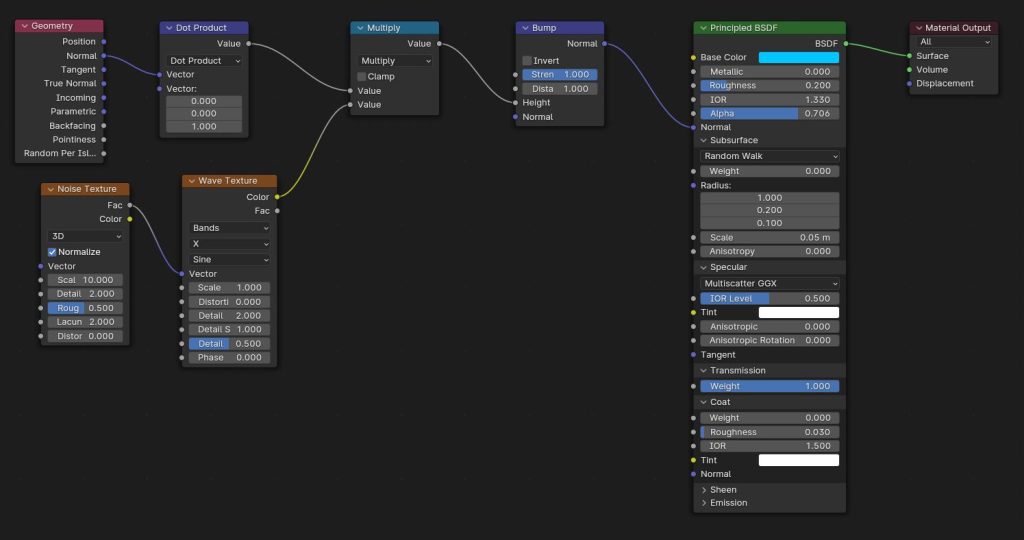
Noise Texture → Mapping → Normal Map → Principled BSDF (Normal input)Node Configuration:
-
Noise Texture:
- Scale:
2.0(adjust for wave size) - Detail:
8(more detail = smaller ripples) - Roughness:
0.7 - Depth:
1.0
- Scale:
-
Mapping (between Noise and Normal Map):
- Scale:
X: 3, Y: 3, Z: 1 - Type:
Vector
- Scale:
-
Normal Map:
- Color Space:
Non-Color
- Color Space:
4. Add Fresnel for Edge Reflections
Fresnel → ColorRamp → Principled BSDF (Emission input)This creates stronger reflections at shallow angles, mimicking real water behavior.
Node Configuration:
-
Fresnel:
- IOR:
1.33(match water’s index of refraction)
- IOR:
-
ColorRamp:
- Interpolation:
Easing - Adjust stops to control reflection intensity
- Interpolation:
5. Final Node Tree Structure
[Noise Texture] → [Mapping] → [Normal Map] ─┐
                                             ├→ [Principled BSDF] → [Material Output]
[Fresnel] → [ColorRamp] → [Emission] ───────┘
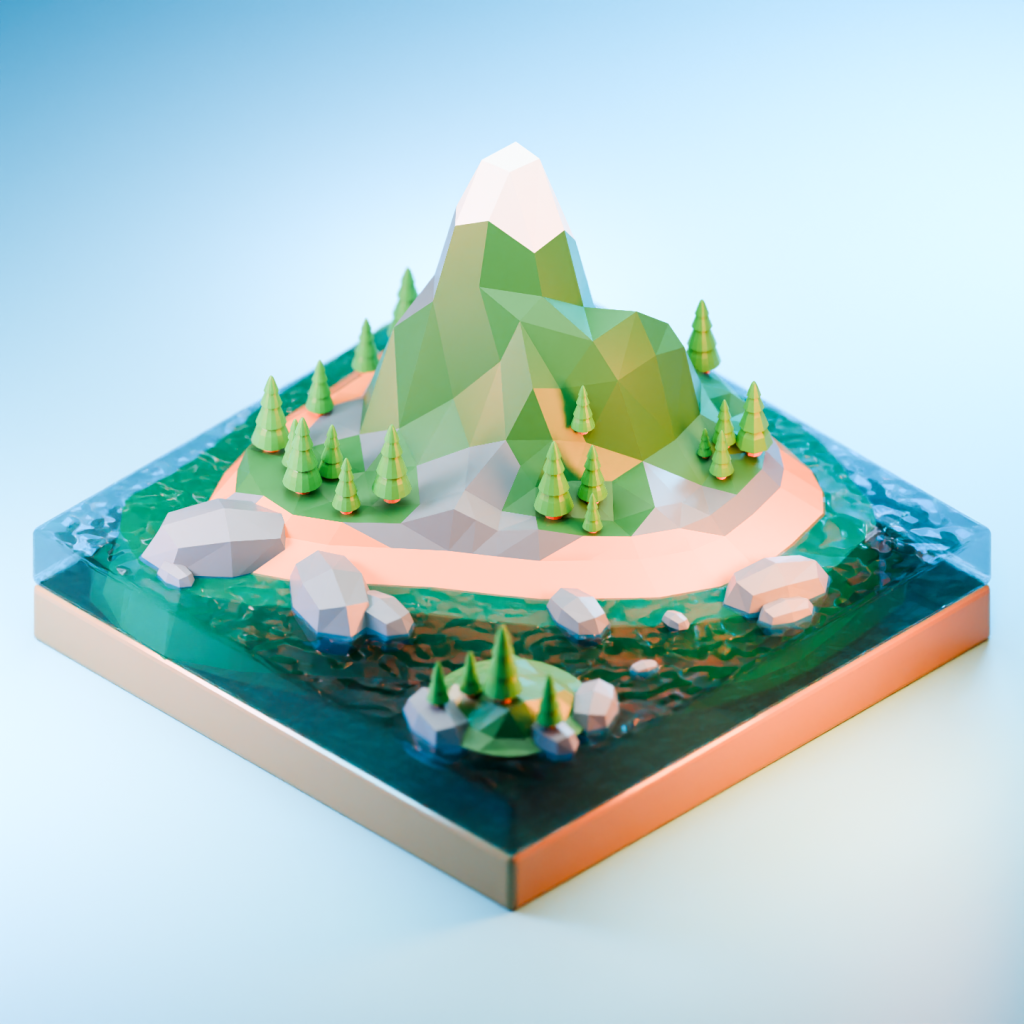
Screenshot References
Tips for Game Engines
When exporting this shader to Unity or Unreal:
Unity (URP/HDRP)
- Bake the normal map: Use Blender’s bake function to create a PNG normal map
- Use Shader Graph: Recreate the Principled BSDF settings in Shader Graph
- Add animated displacement: Use a vertex shader with noise for moving waves
Unreal Engine
- Export as FBX with baked textures
- Create Material Instance based on water material
- Add World Position Offset for animated wave movement
Performance Considerations
| Setting | Low Quality | Medium | High | Best For |
|---|---|---|---|---|
| Noise Scale | 5.0 | 2.0 | 1.0 | Mobile, PC, Console |
| Transmission | 0.5 | 0.8 | 1.0 | Casual, Mid-range, AAA |
| Bounces | 4 | 8 | 16 | Mobile, PC, Console |
Related Tutorials
- Best Blender to Unity Export Settings – Optimize your workflow
- Fake Glass with Blurry Reflections – Similar shader techniques
- Low-Poly Beach Environment – Create complete water scenes
Download the original Blender file or check out our other Blender tutorials for more shader techniques! 🌊✨