
Are you a game developer looking to take your Unity projects to the next level? Welcome to our ultimate guide to the best paid Unity assets for Unity 6 in 2026!
Unleashing the true potential of your game development journey requires equipping yourself with the right tools. These top-notch Unity assets have been tested, reviewed, and recommended by indie developers who use them daily.
💡 Disclaimer: Some links below are affiliate links. If you purchase through these links, we may earn a small commission at no extra cost to you. This helps support our site and allows us to continue creating free tutorials and content.
Why Invest in Unity Assets?
Before diving into the list, let’s address why paid assets can be worth the investment:
- Save development time: Skip building common systems from scratch
- Professional quality: Polished code, documentation, and support
- Regular updates: Active developers keep assets compatible with new Unity versions
- Community support: Large user bases mean more tutorials and troubleshooting help
1. Rewired – Advanced Input System
Price: ~$45 | Rating: ⭐⭐⭐⭐⭐ (4.8/5)
Rewired is the gold standard for input management in Unity. It handles keyboard, mouse, gamepad, touch, and even custom controllers with a unified API.
Key Features:
- Automatic controller detection and remapping
- Support for 10+ simultaneous controllers
- Dynamic action mapping (context-sensitive controls)
- Works across PC, console, and mobile platforms
Who Should Use It?
Games with complex control schemes or multiplayer support benefit most from Rewired. If you’re building a platformer, RPG, or any game where precise input matters, this asset pays for itself quickly.
2. A* Pathfinding Project – Professional Pathfinding
Price: ~$100 | Rating: ⭐⭐⭐⭐⭐ (4.9/5)
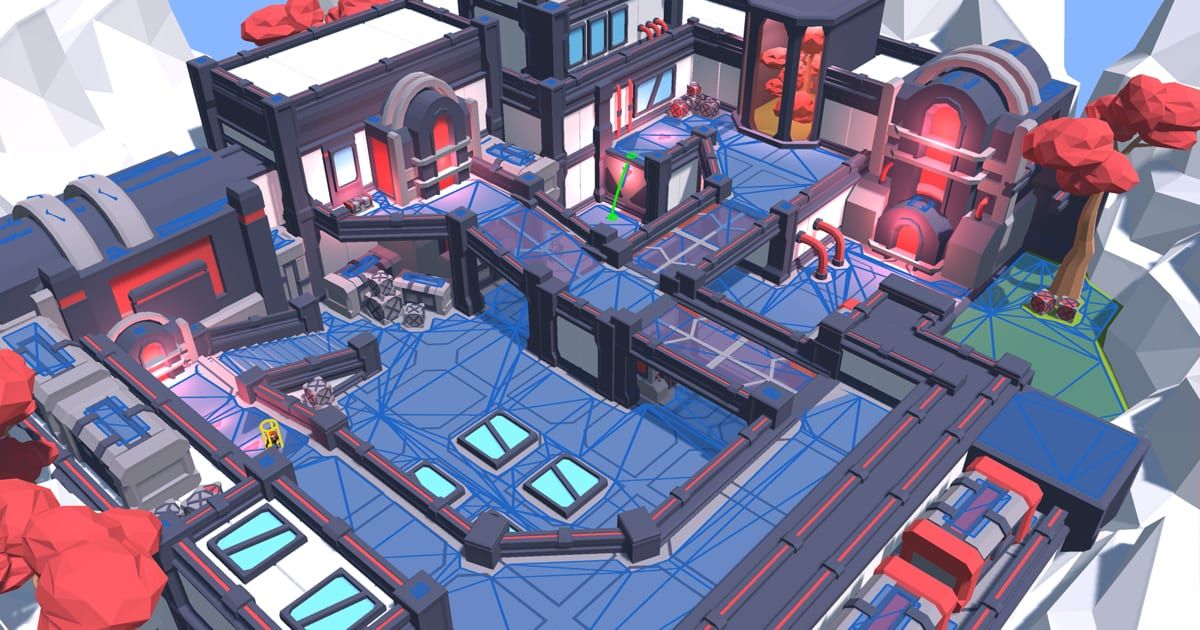
The A* Pathfinding Project is the most popular pathfinding solution for Unity, powering thousands of games from indie titles to AAA productions.
Key Features:
- Multiple graph types (grid, navmesh, point graphs)
- Dynamic obstacle avoidance and recalculation
- Multi-agent pathfinding with collision avoidance
- Visual editor for tuning parameters
Who Should Use It?
Strategy games, RPGs, tower defense, and any game requiring AI navigation. The free version is excellent for learning; the pro version unlocks advanced features for production games.
3. DOTween Pro – Animation & Tweening
Price: Free (Pro version ~$25) | Rating: ⭐⭐⭐⭐⭐ (4.9/5)
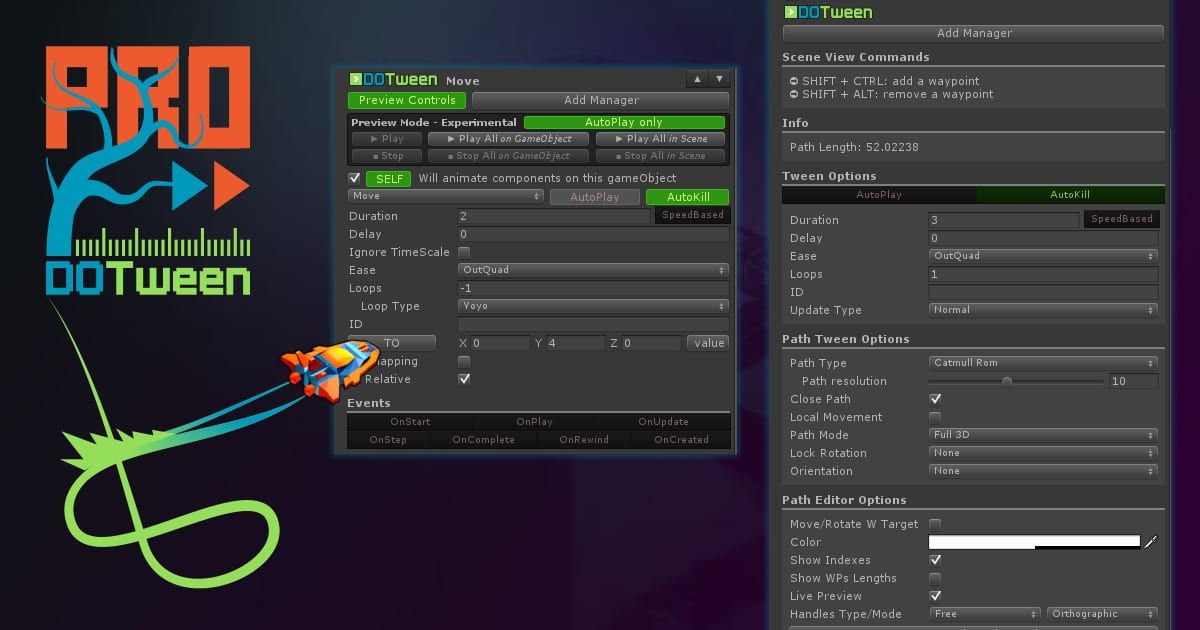
DOTween is the fastest and most flexible tweening engine for Unity. The free version includes everything you need; Pro adds visual editors and extra features.
Key Features:
- Intuitive API with chainable methods
- Support for position, rotation, scale, color, and more
- Visual timeline editor (Pro)
- Auto-completion in Visual Studio/VS Code
// Smoothly move an object over 2 seconds
transform.DOMove(new Vector3(5, 0, 0), 2f);

// Animate a UI element with easing
myButton.DOScale(Vector3.one * 1.2f, 0.3f)
    .SetEase(Ease.OutBack)
    .OnComplete(() => Debug.Log("Animation done!"));
Who Should Use It?
Every Unity developer should have DOTween installed. It’s essential for UI animations, camera movements, particle effects, and any smooth transitions in your game.
4. Odin Inspector – Advanced Editor Tools
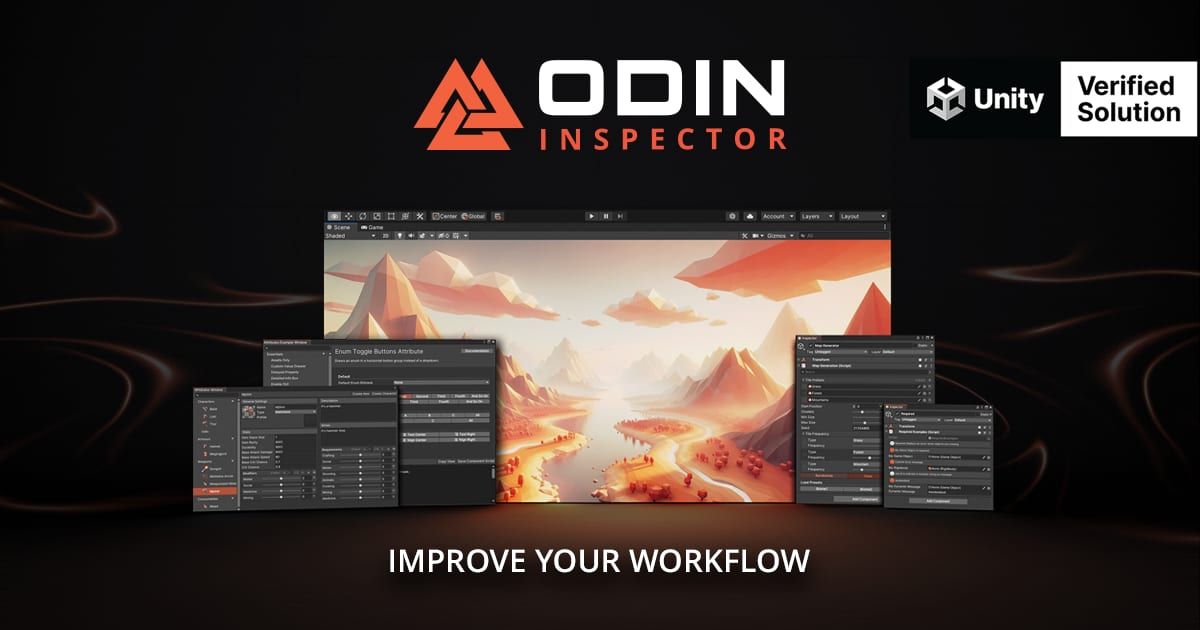
Price: ~$55 | Rating: ⭐⭐⭐⭐⭐ (4.8/5)
Odin transforms your Unity workflow by adding powerful serialization, custom drawers, and editor extensions that save hours of development time.
Key Features:
- Custom property drawers for any data type
- Inline editors for complex nested objects
- Validation attributes and error checking
- Multi-object editing support
// Odin makes this work beautifully in the inspector
[InlineEditor]
public EnemyData enemyData;

[Button("Spawn Wave")]
private void SpawnWave() { /* ... */ }
Who Should Use It?
Teams building complex data-driven games, tool developers, and anyone who spends significant time in the Unity Editor. The productivity gains are immediate and substantial.
5. Final IK – Full Body Inverse Kinematics
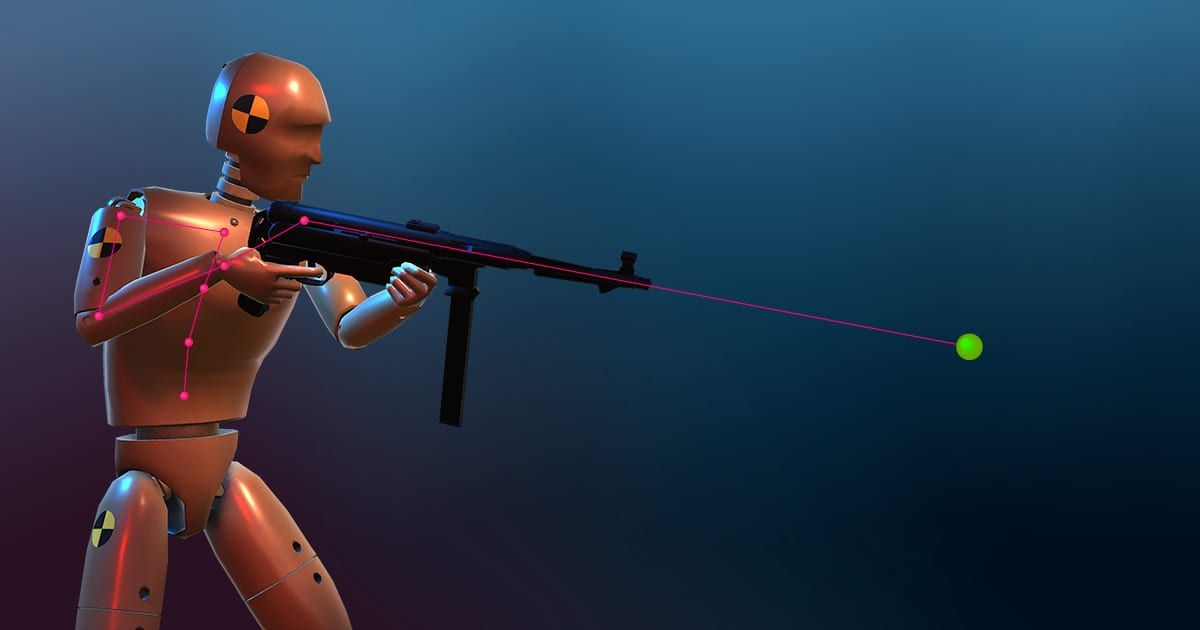
Price: ~$75 | Rating: ⭐⭐⭐⭐⭐ (4.8/5)
Final IK provides professional-grade inverse kinematics for Unity, enabling realistic character animation and interaction with the environment.
Key Features:
- Full body IK with Locomotion system
- Aim IK for weapon targeting
- Look At IK for eye/head tracking
- Biped IK for humanoid characters
Who Should Use It?
Games requiring realistic character animation: FPS games, RPGs, simulation games, or any title where characters need to interact with the environment naturally.
6. Easy Save – Complete Save System
Price: ~$45 | Rating: ⭐⭐⭐⭐⭐ (4.7/5)
Easy Save handles all your game saving needs with a simple API that works across all platforms, including cloud saves and encrypted data.
Key Features:
- One-line save/load for any object
- Automatic serialization of complex types
- Cloud save integration (Steam, Play Games, Game Center)
- Encrypted saves to prevent cheating
// Save player progress in one line
ES3.Save("playerScore", player.score);
ES3.Save("playerPosition", player.transform.position);

// Load with defaults if data doesn't exist
int score = ES3.Load("playerScore", 0);
Who Should Use It?
Any game that needs persistent save data. Especially valuable for mobile games where cloud sync is essential and PC/console games requiring multiple save slots.
Honorable Mentions
| Asset | Category | Price | Best For |
|---|---|---|---|
| Gaia Pro | Terrain/World | ~$80 | Large open worlds, terrain generation |
| Amplify Shader Editor | Shaders | Free/$35 | Visual shader creation without coding |
| NodeCanvas | Behavior Trees | ~$60 | AI behavior and decision making |
| Dialogue System | Dialogue | ~$70 | NPC conversations, quest systems |
| Inventory Pro | UI/Systems | ~$45 | Item management, crafting systems |
Choosing the Right Assets for Your Project
Not every asset is right for every game. Consider these factors:
- Project scope: Small games may not need complex systems like Final IK or Odin
- Team size: Solo developers benefit more from all-in-one solutions; teams can specialize
- Budget: Start with free assets (DOTween, A* Free) and upgrade as needed
- Unity version compatibility: Always check the asset’s last update date
Related Resources
- Best Unity Assets 2025 – Previous year’s recommendations
- Best Blender YouTube Channels – Free learning resources for 3D art
- Unity Coroutines Tutorial – Improve your coding skills
What Unity assets do you swear by? Share your recommendations in the comments below! 🎮✨